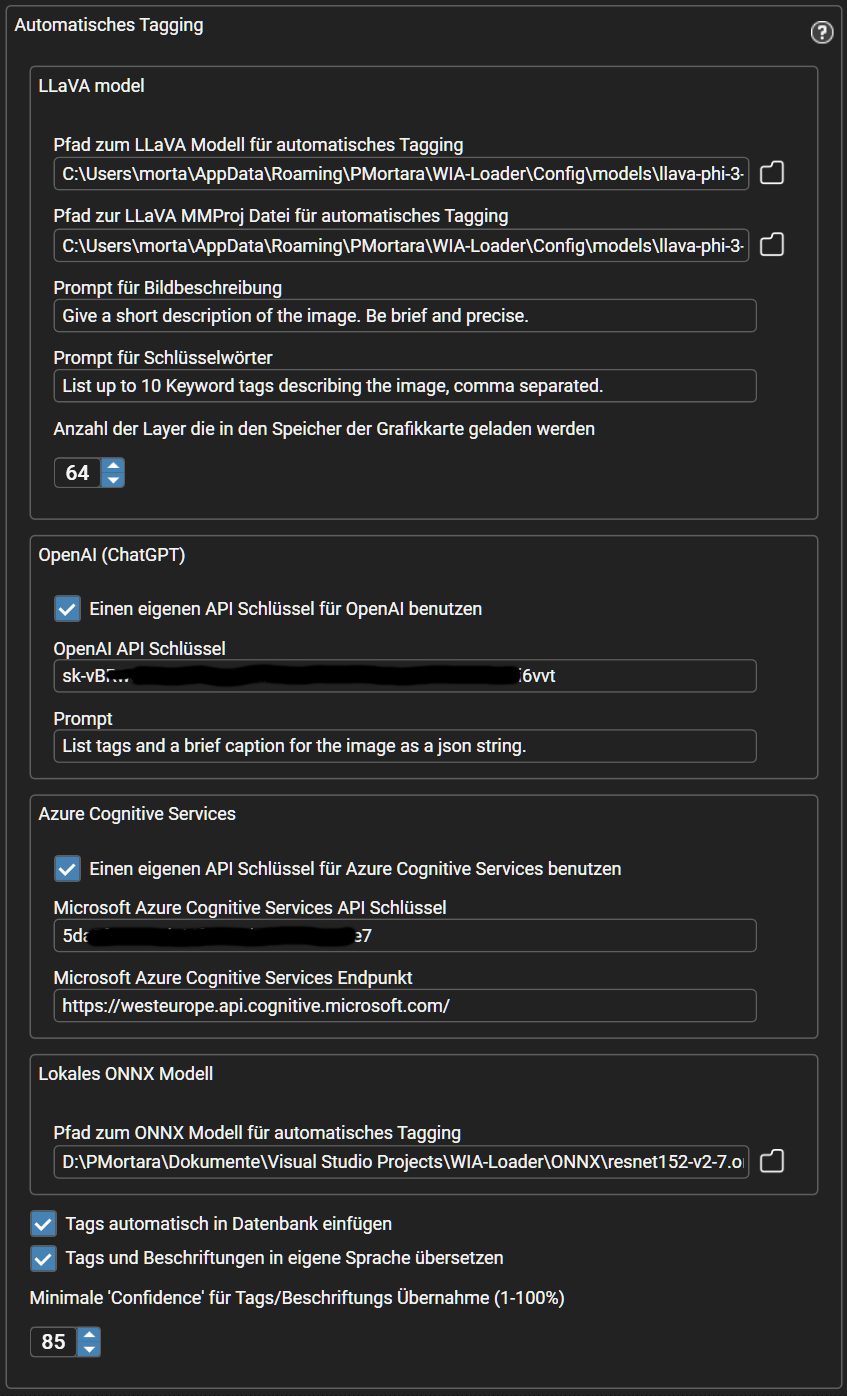
LLaVA model
This uses an AI model for tagging and describing your images that runs locally on your PC. There is no online connection and no additional cost. If you don't want to provide your own model, WIA-Loader will offer to download one automatically the first time you use this feature. In that case it downloads this model from https://huggingface.co: llava-phi-3-mini-gguf. Depending on your PC's hardware (in particular the graphics card), the evaluation can be tuned using GPU layers, context size and temperature.
OpenAI ChatGPT
Here your images are sent to ChatGPT with the task (the prompt) of creating a list of keywords and a caption, and returning them as a JSON string. The AI configuration editor also lets you pick directly from a list of the available OpenAI models.This service is paid, i.e. you have to provide your own OpenAI API key in the configuration. There is no longer a credit purchase through the Microsoft Store - costs for the evaluation are billed directly through your own OpenAI account.